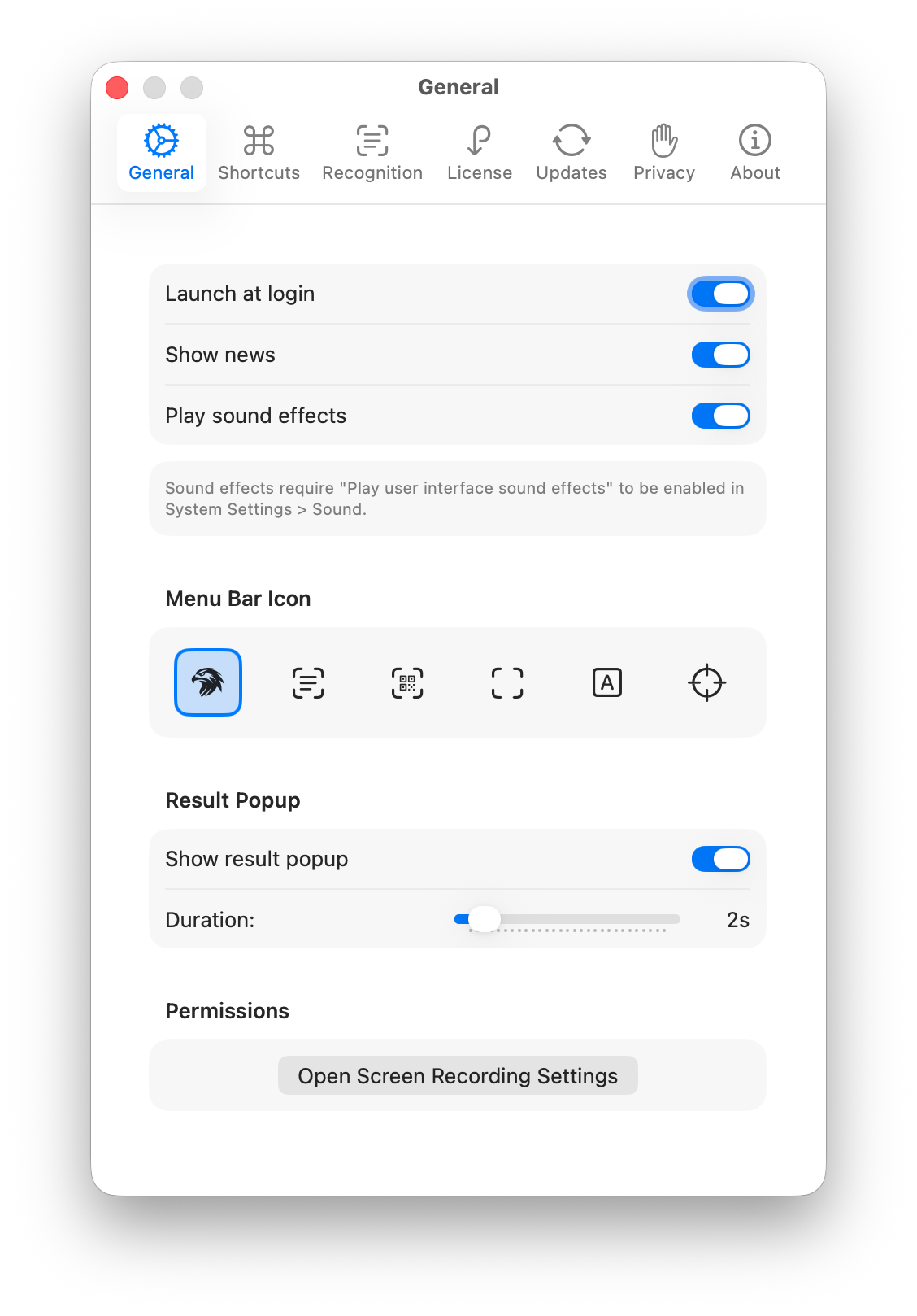
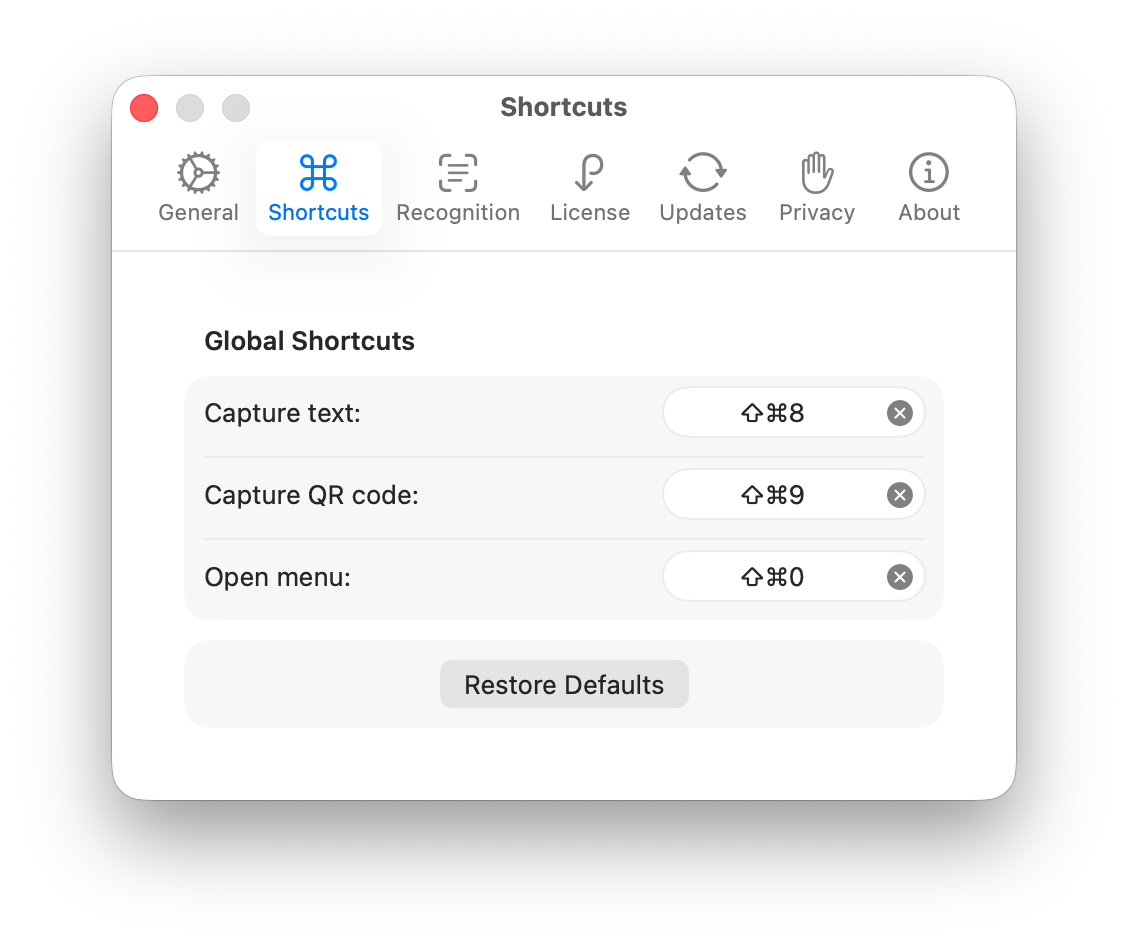
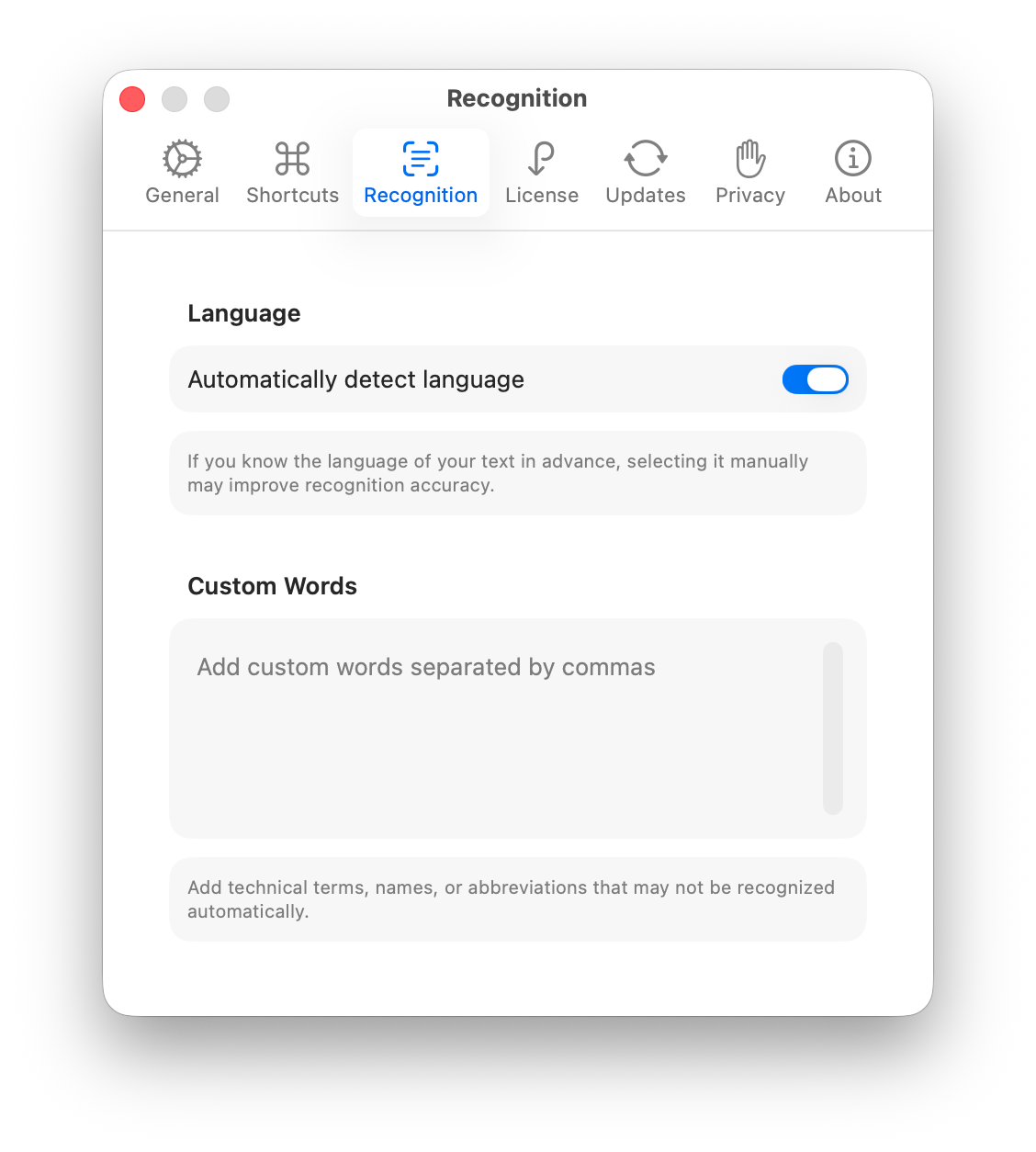
Hawkr requires macOS 13.0 (Ventura) or later. This requirement is due to the automatic language detection feature in Apple's Vision framework, which was introduced in macOS 13.
Why Hawkr?
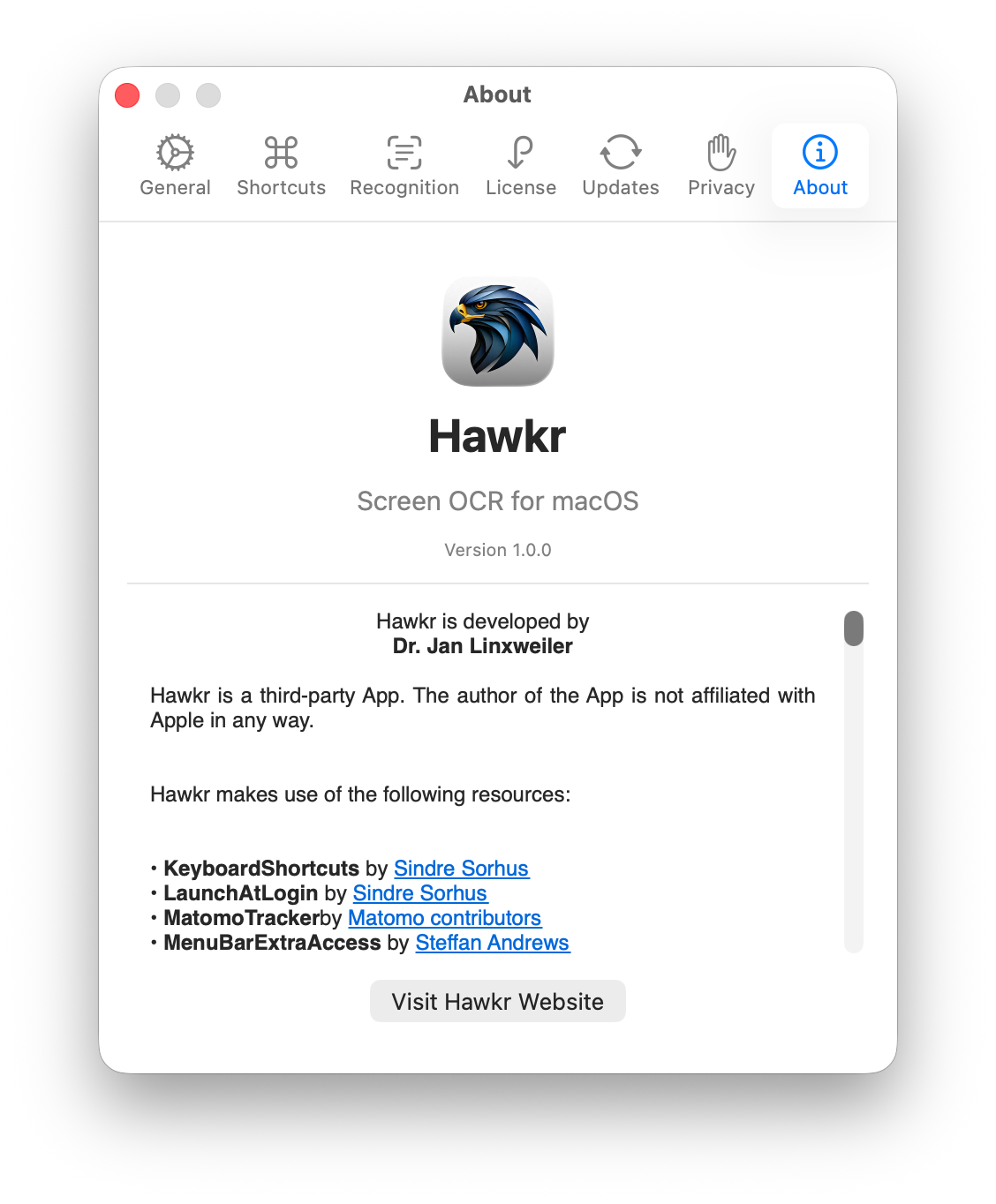
Ever needed to quickly grab text from an image, a non-selectable PDF, a video, or a website that blocks copying? Hawkr makes it effortless. With a simple keyboard shortcut, you can capture any text visible on your screen and have it instantly copied to your clipboard. No more tedious manual retyping. Hawkr uses Apple's powerful Vision framework to perform optical character recognition (OCR) directly on your Mac, meaning your data never leaves your device. Whether you're a developer extracting error messages from screenshots, a researcher copying quotes from scanned documents, a student grabbing text from lecture slides, or anyone who regularly needs to capture on-screen text, Hawkr streamlines your workflow. It lives quietly in your menu bar, ready whenever you need it, and supports 11+ languages with automatic detection. Hawkr also recognizes QR codes and barcodes, making it a versatile tool for extracting information from your screen.